How to Redeem Scream And Run Codes
Use this checklist the moment a verified code lands on the hub.
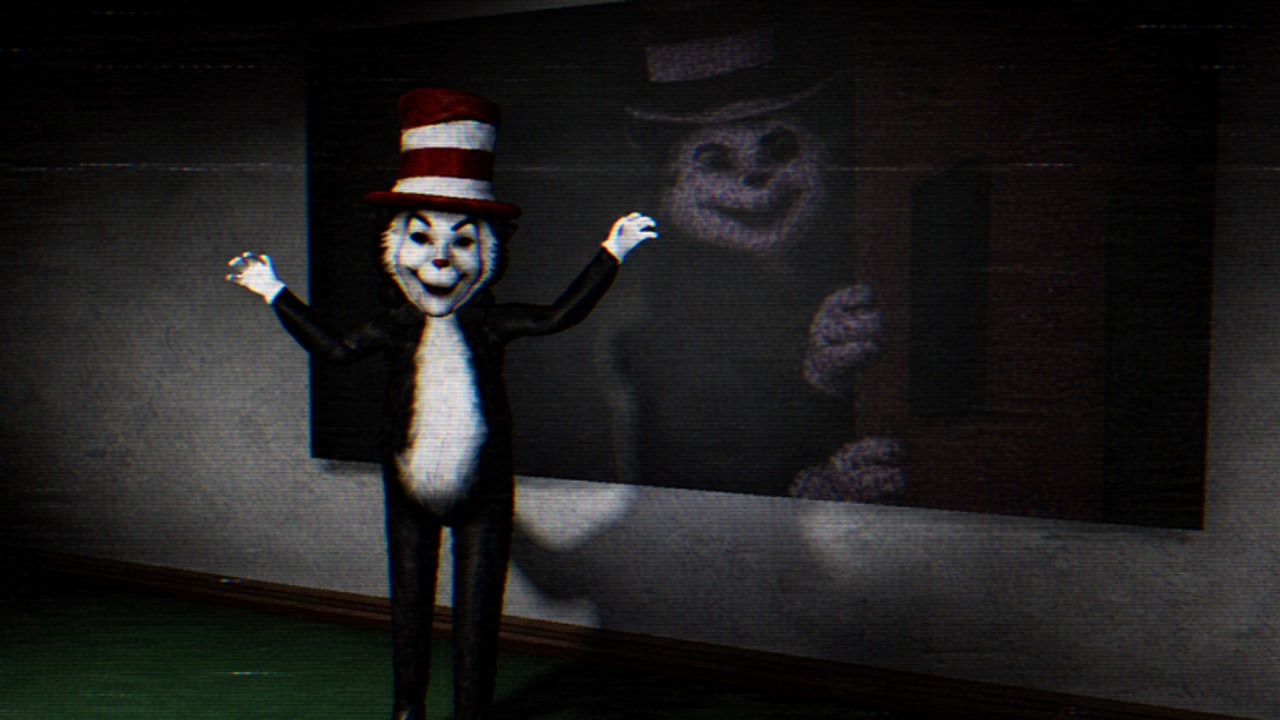
Redeeming a Roblox code is simple when the game actually has a box. Scream And Run is still a new release, and as of September 2026 the client has no confirmed Codes button. This page exists so you do not invent a UI, click a phishing ‘redeem’ site, or type a string into chat hoping the Cat in the Hat cares.
If you have not checked whether a code is real, go back to the codes hub first. If the studio is handing out group perks instead of strings, use group rewards. The steps below assume a future in-game redeem field, because that is how almost every Roblox survival title eventually ships codes.
Before you type anything
- Launch Scream And Run from the official Roblox page, not from a third-party ‘private server’ link in a Discord DM.
- Wait until you are in a live server, not the loading thumbnail.
- Look for a ticket, gift, or shop icon on the left or top of the HUD. New horrors often hide Redeem inside Shop → Bundles, the same pattern used by other 2026 Roblox games.
- If you see no Codes tab, stop. There is nothing to redeem. Spend the time on a key sweep instead.
The redeem path we expect
When a Codes button appears, use this order:
- Open the menu with your cursor unlocked (most PC players press the Roblox menu or an on-screen Shop).
- Open Codes or Redeem.
- Paste the string exactly as listed on the codes hub. Codes are case sensitive. Do not add spaces before or after.
- Press Redeem once. Spamming the button can make a valid code look expired.
- Check the reward toast. If nothing appears, leave and rejoin one server, then try again. Do not hop ten servers; that is how people get rate-limited.
Why a code fails
Most ‘broken’ codes are not broken. They are expired, already used on that account, typed with a look-alike character, or copied from a site that never tested the game. Scream And Run also has no reason to accept codes from unrelated titles. A voice-control obby code will not grant Infinite Lives here.
If the field returns an error:
- Confirm the hub still marks the code Active.
- Confirm you are on the latest client after the release notes.
- Confirm you did not already redeem it on an alternate account that shares the same Roblox login.
- Confirm you are not inside a broken private server. Public Escape and Hide And Seek servers are the test environment we use.
What not to do
Do not enter a code on a website that asks for your Roblox password. Do not run an executor ‘auto redeem’ from the scripts scene. Do not trade a code in chat for a ‘free Cat in the Hat pass’. The 2x hunter gamepass is a Robux product on the official page; anyone selling it for a code is scamming.
Codes also will not skip the hunter. After you redeem, you still need movement, a hiding plan, and a finish route from the escape guide.
After a successful redeem
Write down what you received. If the gift is extra lives, save them for No Power instead of burning them in Free Roam. If the gift is a cosmetic, it will not change the Cat’s hearing. If the gift is currency, check whether the shop even sells movement tools before you spend it on a joke item.
Then return to the hub and tell us (by the next update pass) if the code died. This wiki is only useful if the table stays smaller and truer than the spam lists.
Related pages
Use group rewards if there is still no box. Use scripts safety if a video told you to paste a redeem script. Use the updates hub if a patch notes ‘code support’ and this page has not caught up yet.
Frequently Asked Questions
Quick answers to the most common questions.
Where is the Codes button in Scream And Run?
There is no confirmed Codes button in the September 2026 client. When it appears, it will most likely sit in Shop or on a side HUD icon. Check the codes hub before hunting the UI.
Are Scream And Run codes case sensitive?
Assume yes. Paste the string exactly. Extra spaces and wrong caps are the most common redeem failures on Roblox.
Can I redeem on mobile?
Yes, if the UI exists. Unlock the cursor, open Shop or the ticket icon, and paste from your clipboard. The steps match PC besides the layout.
A YouTube video listed five codes. Should I try them?
Only if they also appear as Active on our codes hub. Random lists for this title have already copied fake strings from other games.